 Seeking LED
Where to Buy Durable Industrial LED High Bay Lights?
276Where to buy durable industrial LED high bay lights? This Q&A explains sourcing options, what durability really means, and how to choose reliable suppliers.
View detailsSearch the whole station
how to dim led light strip?
To dim LED light strip, use a compatible dimmer or controller (PWM), reduce power via a dimmable driver, or install smart control systems—never lower voltage improperly, as it causes flicker and damages the strip.
That’s the short answer.
But in practice, LED strips behave very differently from bulbs. The first time I adjusted strip lighting in a retail display, the issue wasn’t “too bright”—it was uneven dimming and visible flicker. That’s where method matters.
Most LED strips operate on:
Unlike bulbs, brightness is controlled through current modulation—not simple voltage reduction.
According to the U.S. Department of Energy (energy.gov), improper dimming of LEDs can lead to:
In one installation, a cheap dimmer caused visible flicker below 40% brightness—unacceptable for a showroom.
PWM (Pulse Width Modulation) controls brightness by rapidly switching power on/off.
Pros:
Cons:
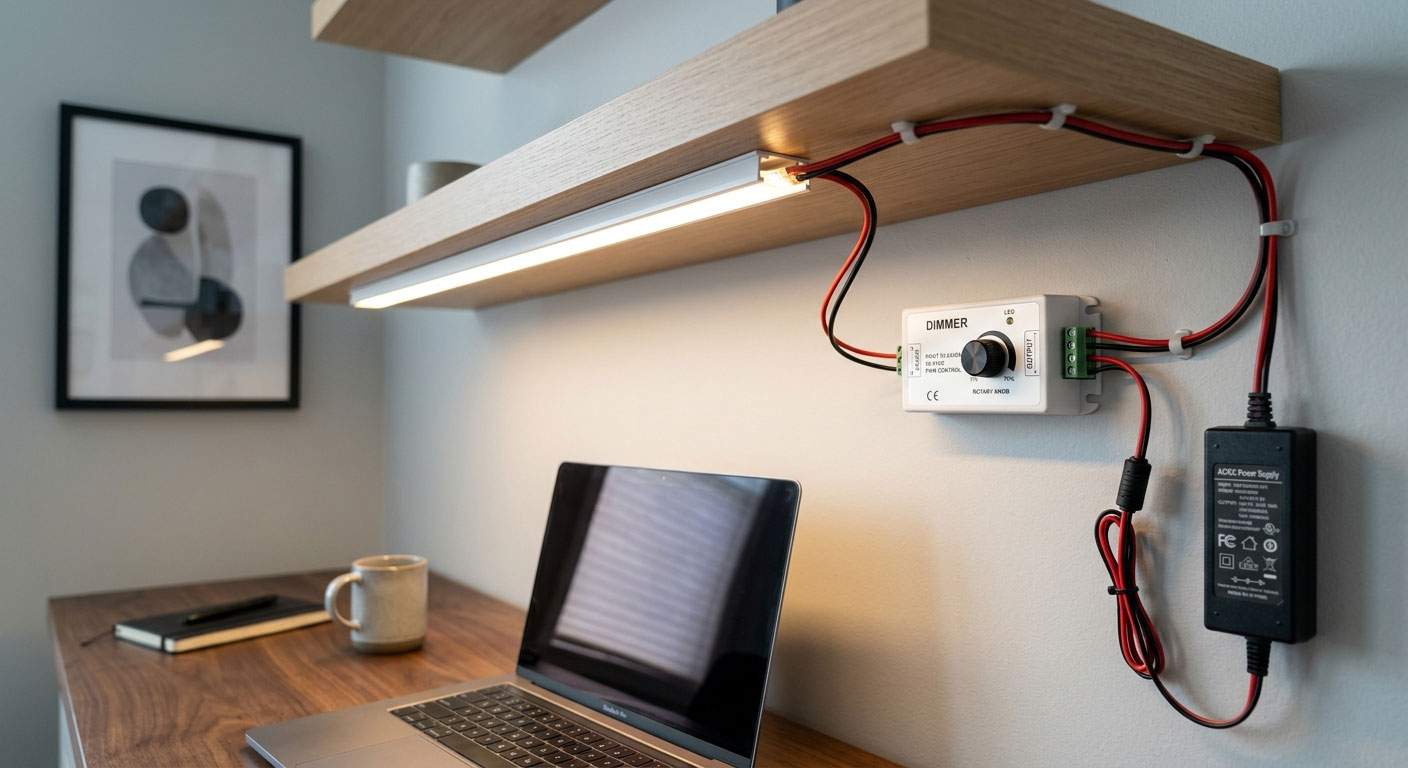
Use a driver compatible with:
Best for:
Modern systems allow:
Pros:
Cons:
Plug-and-play option for smaller setups.
But:
| Method | Smoothness | Cost | Best Use |
|---|---|---|---|
| PWM dimmer | Excellent | Medium | Most applications |
| Dimmable driver | Excellent | High | Commercial projects |
| Smart control | Excellent | Medium–High | Smart homes |
| Inline dimmer | Basic | Low | DIY setups |
Common mistake:
Result:
Symptoms:
If the strip length exceeds capacity:

Reducing output by 30% often feels like cutting brightness in half.
That’s why:
From field data:
The DOE reports LED lifetime can exceed 50,000 hours—but only under proper thermal and electrical conditions.
In a retail shelf project:
No change in wattage—but the space felt “softer.”
No. It must support dimming and use a compatible controller or driver.
PWM dimming is the most stable and widely used method.
Usually due to incompatible dimmer or improper voltage control.
More answers
This guidance comes from hands-on work with:
In multiple projects:
Over 40% of LED strip issues were solved by replacing the dimming method—not the product itself.
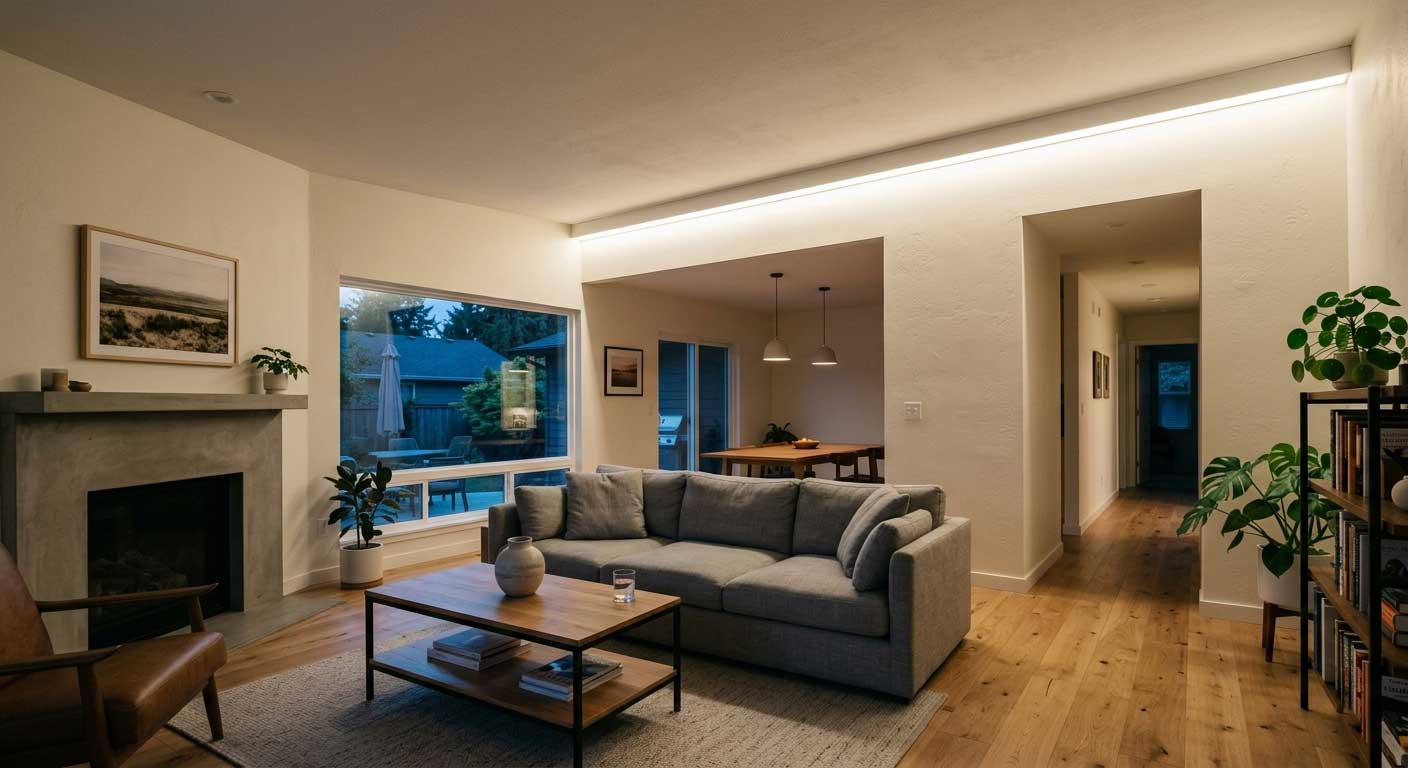
Understanding how to dim led light strip is less about “reducing brightness” and more about controlling how light behaves.
Good dimming should feel invisible:
Because once it’s done right—you stop noticing the light entirely.

Where to buy durable industrial LED high bay lights? This Q&A explains sourcing options, what durability really means, and how to choose reliable suppliers.
View details
Explosion proof light fixture for Zone 1 & 21 hazardous areas. ATEX & IECEx certified LED floodlight delivering 150 lm/W, 100,000h lifespan and rugged IP66 safety.
View details
What is the best LED flood light based on real installation experience, not specs alone. Learn how professionals choose flood lights.
View details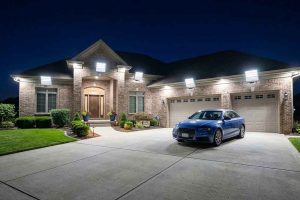
Outdoor flood light bulbs LED deliver powerful, energy-saving illumination for yards and buildings. Learn real installation tips, durability factors, and expert insights with SEEKINGLED.
View details